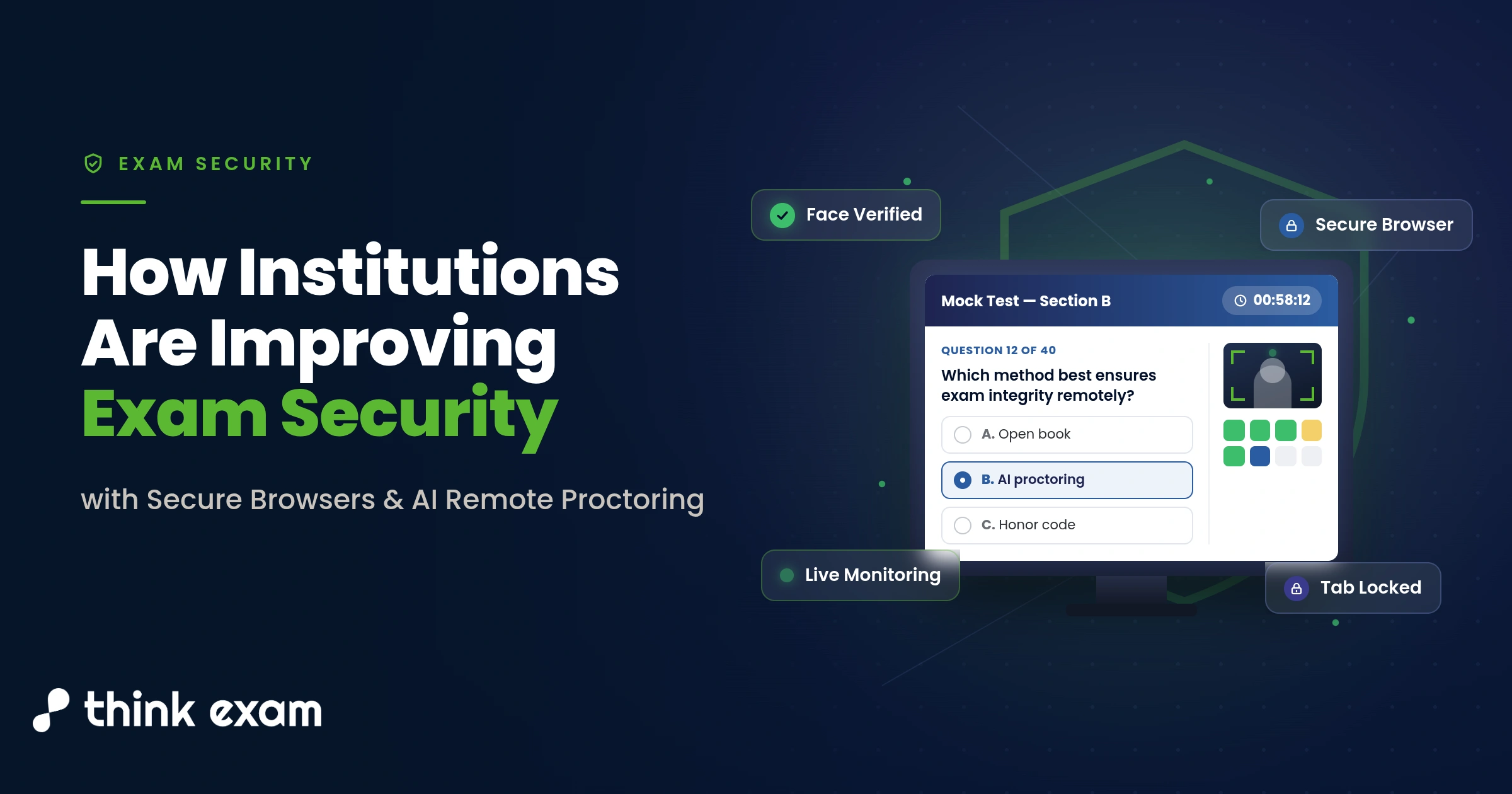
Why Secure Browsers and AI Proctoring Are Essential for Online Exam Security
Conducting an online exam is no longer just about delivering questions to candidates. Institutions today are equally focused on protecting the integrity of the assessment from start to finish.
Universities, coaching centres, certification bodies, and training organisations are handling larger candidate volumes than ever before. As digital assessments continue to grow, so do the challenges of maintaining a fair and secure testing environment.
Many institutions have realised that relying on a single security measure is no longer enough. Instead, they are combining a secure browser for exams with AI remote proctoring to create multiple layers of protection.
This approach helps strengthen exam security while allowing candidates to complete assessments in a structured and reliable environment.
Why a Single Exam Security Solution Is Not Enough
Every assessment faces different security challenges.
Some risks come from the candidate’s device. Others come from the testing environment.
For example:
- A candidate may try to open another application.
- They may attempt to search for answers online.
- Someone else could enter the room during the exam.
- Multiple devices could be used without authorisation.
No single solution can address every situation.
This is why institutions are increasingly building layered security into their assessment process.
How a Secure Browser Protects Online Exams
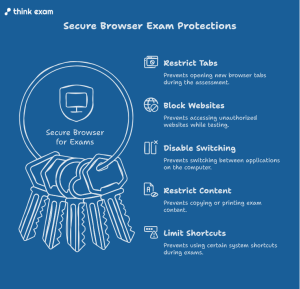
The first layer of protection often starts with a secure browser for exams.
Instead of allowing unrestricted access to the computer, the browser creates a controlled testing environment.
Depending on institutional policies, an exam browser can help restrict actions such as:
- Opening new browser tabs
- Accessing unauthorized websites
- Switching between applications
- Copying or printing exam content
- Using certain system shortcuts
By limiting these actions, institutions can reduce opportunities for unauthorised digital activity during the assessment.
How AI Remote Proctoring Improves Exam Monitoring
While the browser secures the device, AI remote proctoring helps monitor the exam environment.
The goal is not simply to watch candidates.
It is to identify unusual events that may require further review.
These may include:
- The candidate is leaving the camera view
- Multiple faces appearing on screen
- Unexpected background movement
- Identity verification concerns
- Other activities that fall outside the institution’s exam guidelines
Rather than replacing human judgment, AI helps administrators review assessments more efficiently by highlighting sessions that may need attention.
Why Secure Browsers and AI Proctoring Work Better Together
A secure browser for exams and AI remote proctoring solves different problems.
One protects the device.
The other helps monitor the testing environment.
When used together, they create a more complete security strategy than either technology can provide on its own.
This layered approach allows institutions to reduce security gaps without making the assessment process unnecessarily complicated.
Benefits of Secure Browsers and AI Proctoring for Administrators
Security is only one part of successful assessment management.
Administrators also need systems that are easy to manage.
Combining a secure assessment browser with intelligent monitoring can simplify tasks such as:
- Conducting assessments across multiple locations
- Managing large candidate groups
- Reviewing flagged sessions
- Maintaining consistent security standards
- Supporting audit and compliance requirements
This allows institutions to focus more on assessment quality and less on manual monitoring.
How Secure Online Exams Improve Candidate Confidence
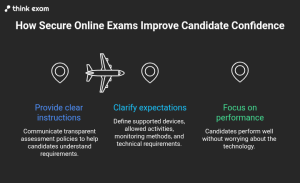
Exam security should not create unnecessary stress for candidates.
Clear instructions and transparent assessment policies help candidates understand:
- Which devices are supported
- What activities are allowed
- How the assessment will be monitored
- What technical requirements should be met
When expectations are communicated clearly, candidates can focus on performing well instead of worrying about the technology.
How to Choose the Right Secure Browser for Exams
Not every institution has the same assessment needs.
When selecting a safe exam browser, decision-makers should consider factors such as:
- Ease of deployment
- Compatibility with existing systems
- Device support
- Administrative controls
- User experience
- Reporting capabilities
The right solution should strengthen security without creating unnecessary complexity for candidates or administrators.
Flexible Online Exam Security for Different Assessment Needs
Assessment requirements vary across institutions.
Some exams require strict monitoring.
Others focus more on accessibility and convenience.
Modern security solutions allow institutions to configure settings based on:
- Exam type
- Candidate group
- Assessment duration
- Security requirements
- Organizational policies
This flexibility helps institutions balance security with a positive assessment experience.
Best Practices for Securing Every Stage of an Online Exam
Effective security starts long before candidates begin an online exam.
Institutions should review every stage of the assessment process, including:
- Candidate registration
- Identity verification
- Question delivery
- Device security
- Assessment monitoring
- Result review
- Record management
A layered strategy helps reduce vulnerabilities throughout the entire examination lifecycle rather than focusing on only one stage.
The Future of Secure Online Exam Security
Digital assessments continue to evolve.
As institutions conduct more remote and hybrid examinations, expectations around security will continue to increase.
Many organisations are moving away from single-purpose solutions and investing in integrated assessment environments that combine secure technology with efficient administration.
The combination of a secure browser for exams, a reliable lockdown browser where appropriate, and AI remote proctoring helps institutions create assessments that are not only secure but also consistent, scalable, and easier to manage.
Final Thoughts
Protecting exam integrity requires more than one technology.
A layered approach allows institutions to address different security challenges while providing a better experience for candidates and administrators alike.
By combining a secure browser for exams with AI remote proctoring, institutions can strengthen assessment security, support fair evaluations, and manage online exam delivery more effectively.
As digital assessments continue to grow, organisations that invest in a balanced security strategy will be better prepared to meet the expectations of students, candidates, educators, and employers.